View Orders
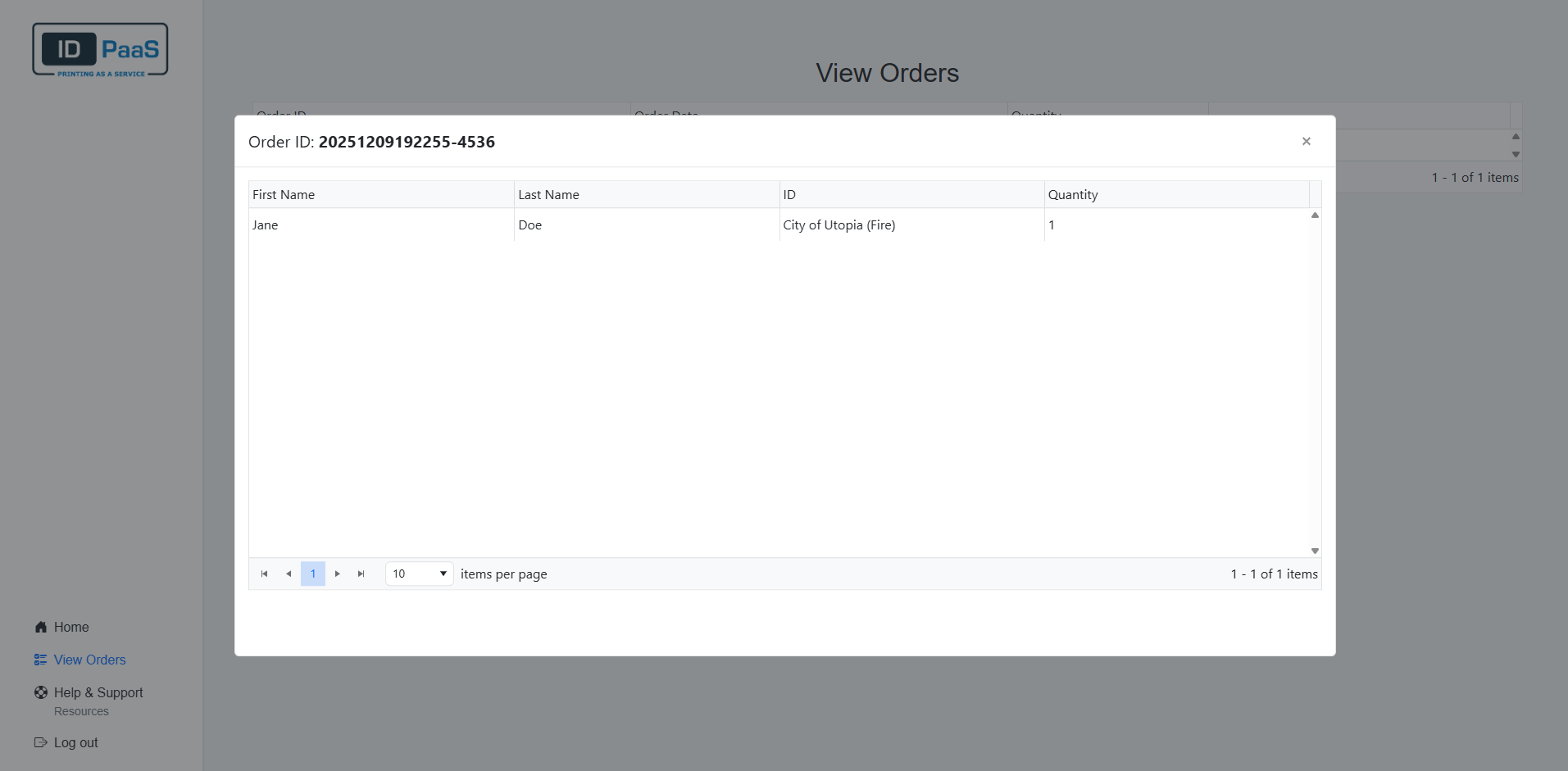
To refer back to your previous orders, you can head over to the View orders page. Here you will be able to look at each of your orders along with the total amount of IDs order and each applicant within the order.
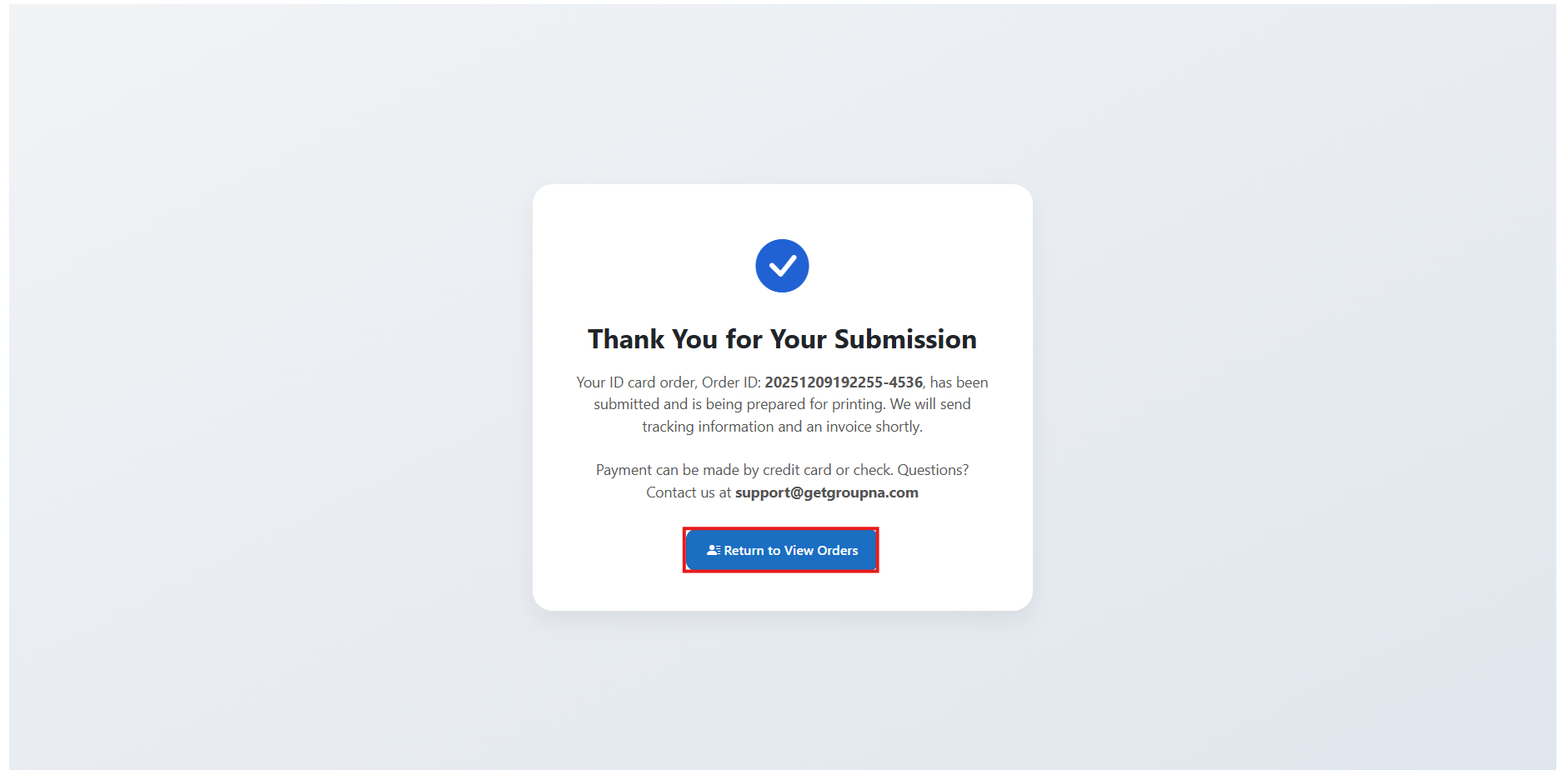
You can access the View Orders page in two different ways.
Clicking the button at the bottom of the page after submitting an order.
clicking the "View Orders button" at the bottom left of the page.

On the View Orders page, you will see a table with all your previous orders.
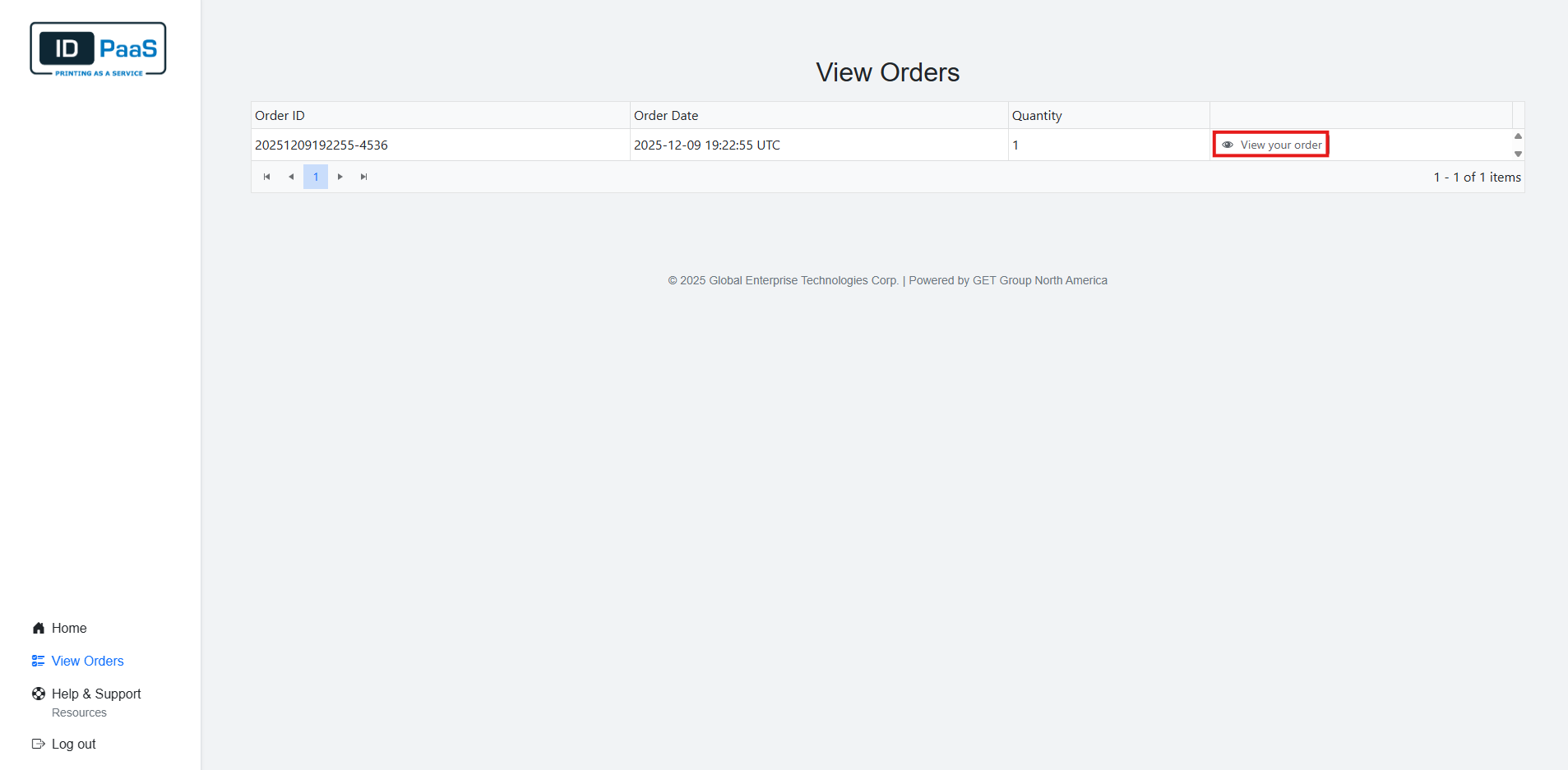
Each Order contains its Order ID, the date that the order was submitted, and the total quantity of each order.
Clicking the "View your order" button will display all the Applicants inside of that order along with their Name, ID used, and the Quantity of ID card for each Applicant.